
1
Create your workspace
Start with a place for your team to manage restaurant and menu information. It can be named after your restaurant's parent company.
How It Works
From menu upload to AI-ready publishing, Vera Menu gives restaurants a guided way to make menu data easier for AI agents and search engines to understand.
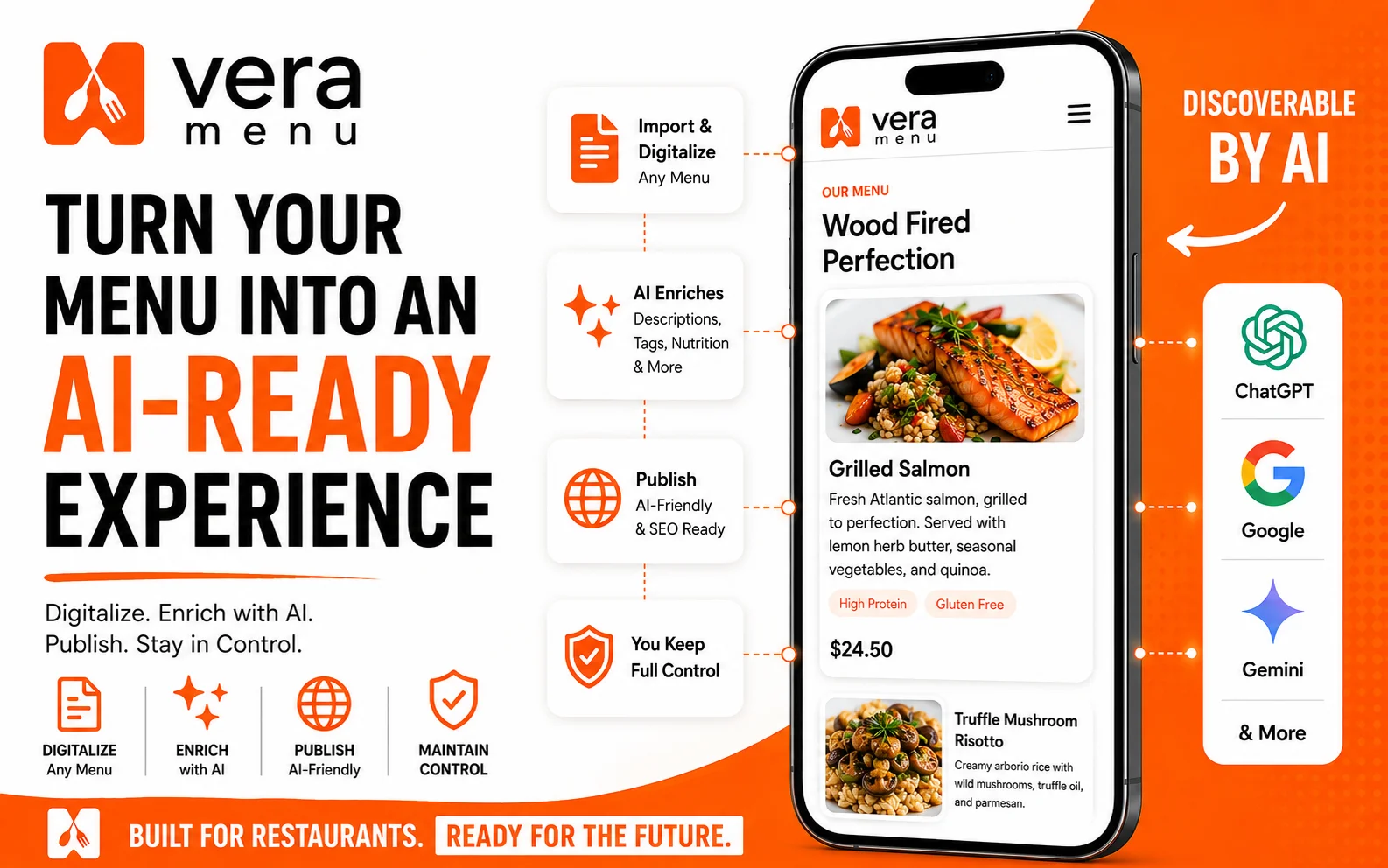
Vera Menu keeps the workflow clear: set up the restaurant, turn menu content into structured records, review the details, and publish when everything is ready.
Start with a place for your team to manage restaurant and menu information. It can be named after your restaurant's parent company.
Enter the basic restaurant details and categories that your customers, search engines, and AI assistants need.
Use a PDF, image, screenshot, existing menu source, or manual item entry.
Check item names, categories, descriptions, nutritional information, prices, pairings and other menu details.
Use AI tools to generate menu details, metadata, wine pairings, and realistic menu images.
Update, approve the menu data and publish AI-ready assets for AI discovery and search.
Keep menu changes, new items, and seasonal updates current as your restaurant evolves.
Choose the starting point that fits your team.
Self-service
Create your workspace, upload menu materials, review extracted data, and manage future updates directly in Vera Menu.
Start Free TrialManaged setup
Send us your menu materials and Vera Menu can help prepare the first restaurant and menu for review.
Request Managed SetupDetailed setup path
See exactly what happens after signup, what we need from you, and what you get at the end.